
Product Case Study
Script Memory
From Paper to Product: Designing a Script Tool That Acquired 100 Users in 30 Days
Industry
ERP & Accounting Software
Timeline
2024-2025 (7 Months)
My Role
UX/UI Designer
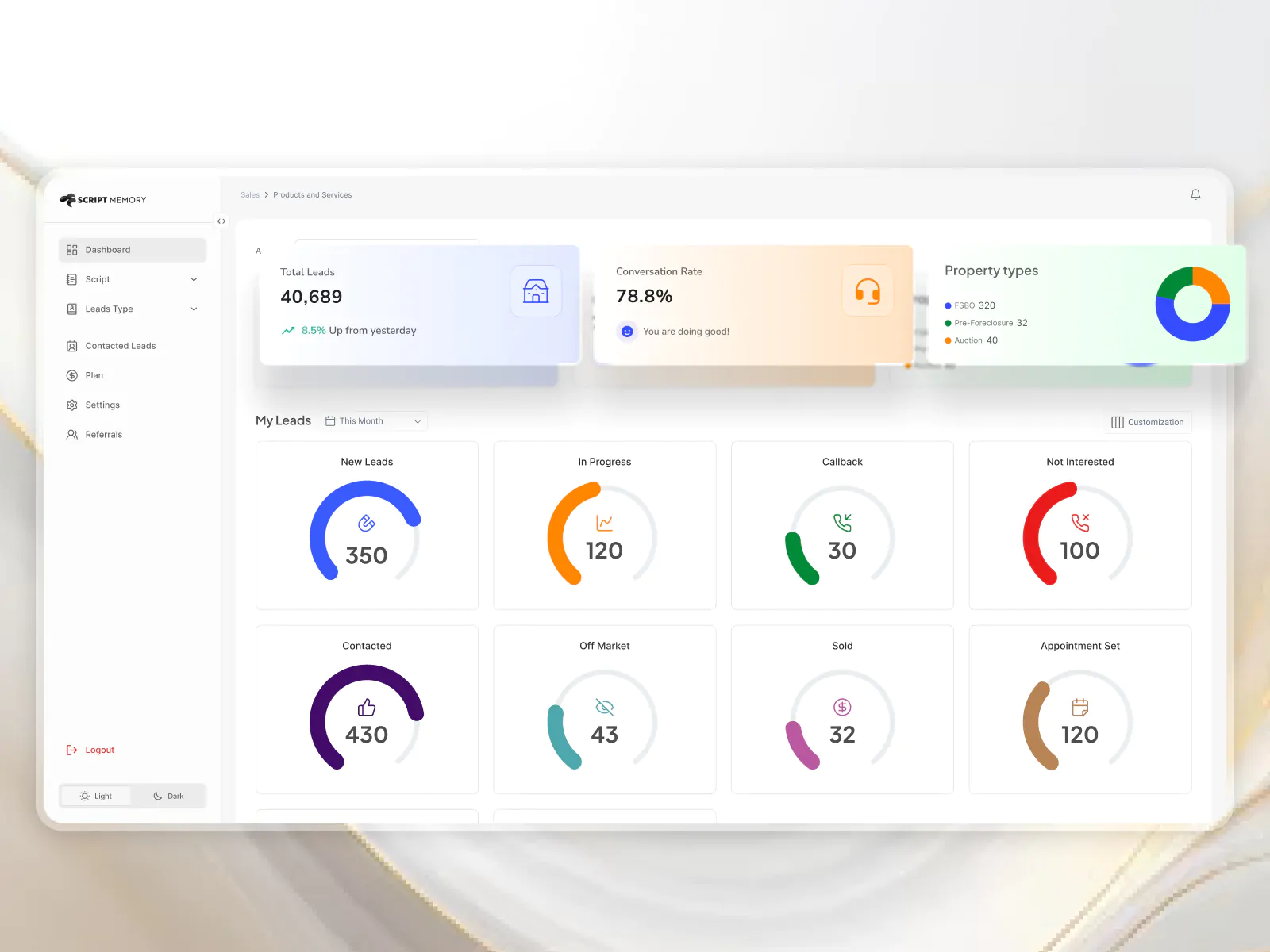
What?
About Script Memory
Script Memory is a productivity and sales enablement tool designed for new real estate agents in the U.S. It supports them in closing more deals by providing structured communication scripts (called Rebuttals) that mimic real-life buyer interactions. The platform helps agents transition from handwritten notes to a digital experience that’s scalable, searchable, and shareable.
Key Impacts
100+
users acquired within the first 30 days
Behavior shift
Paper → Digital workflows
400+ new agents
entering the market daily (target opportunity)
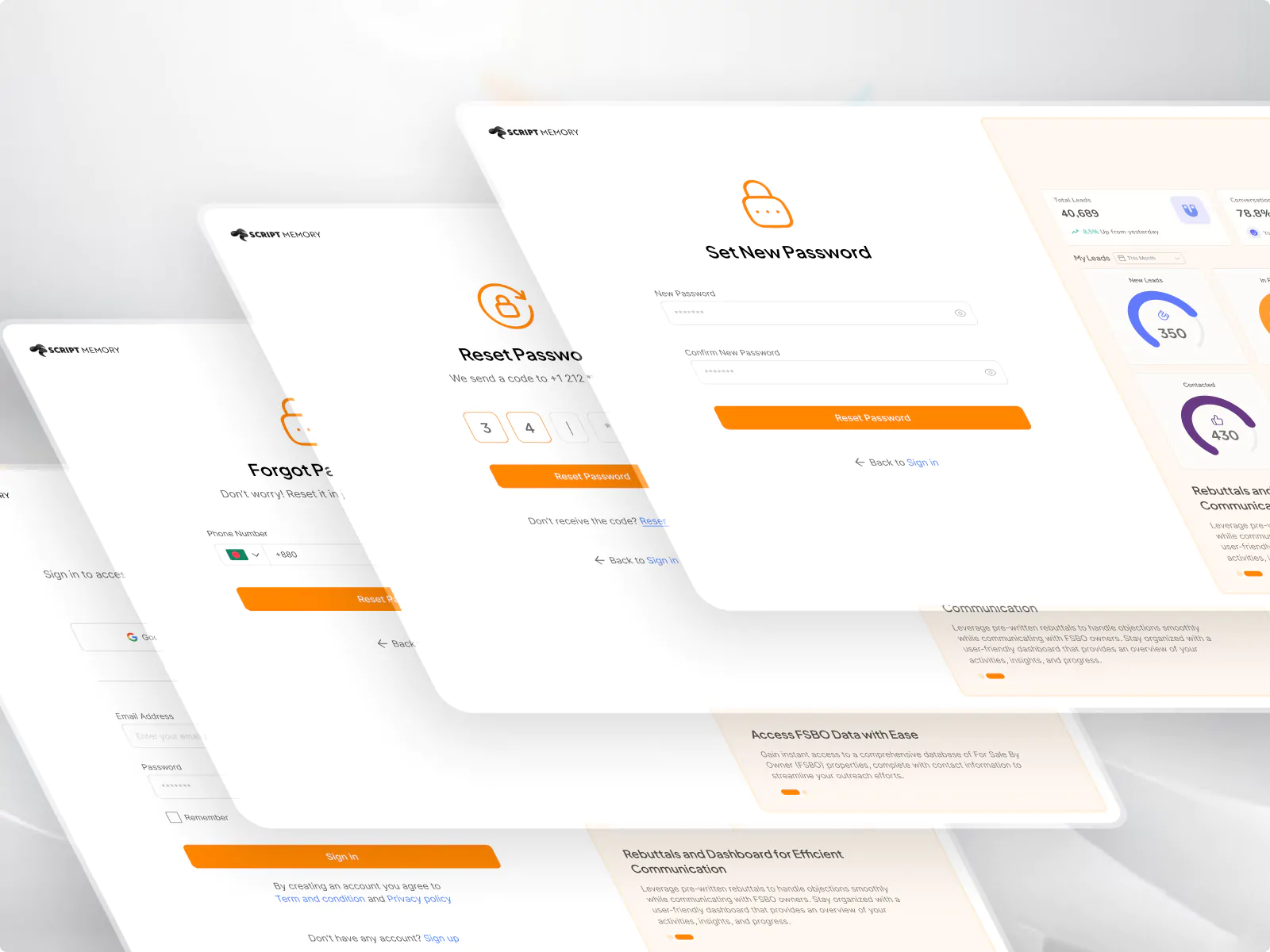
Why?
The Problem
There are over 3 million realtors in the U.S., with approximately 400+ new agents joining daily.
According to the National Association of Realtors (NAR):
75%
of new agents leave within the first year
87%
fail within five years
Most new agents struggle with client communication, lack confidence in sales conversations, and rely on handwritten scripts. The challenge was to build a platform that would not only digitize this behavior but also motivate agents to stick with it.
Key Challenges
No direct competitors
Required original research to identify needs and features
Paper-based habits
Needed to guide users through a behavior change
Motivation
Script storage alone didn’t offer strong enough incentive
Feature planning
Needed to introduce engaging features in a phased release plan
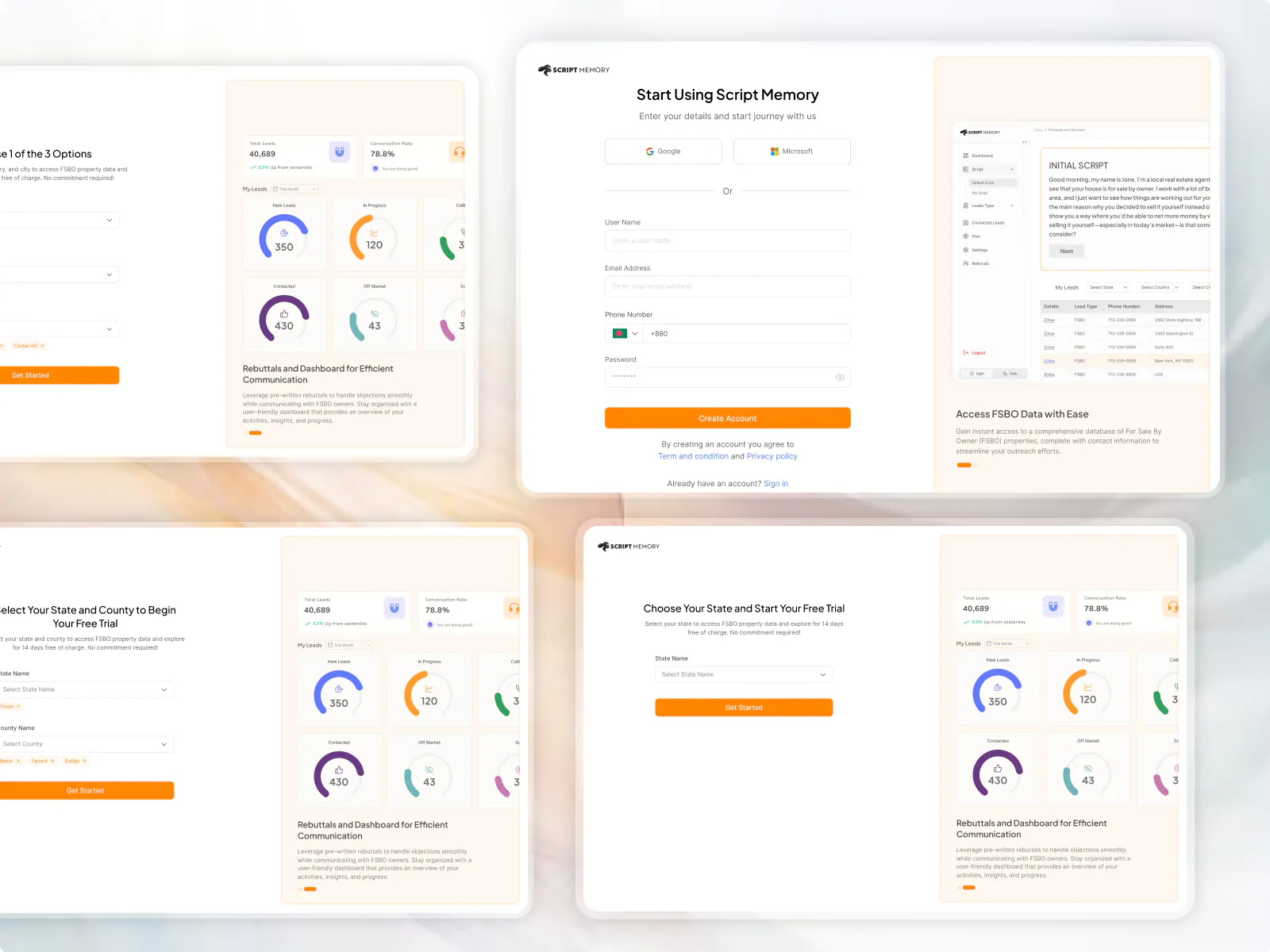
How
The Solution
We decided to launch with two core features in the MVP and planned additional releases based on user needs and business growth.
MVP Features
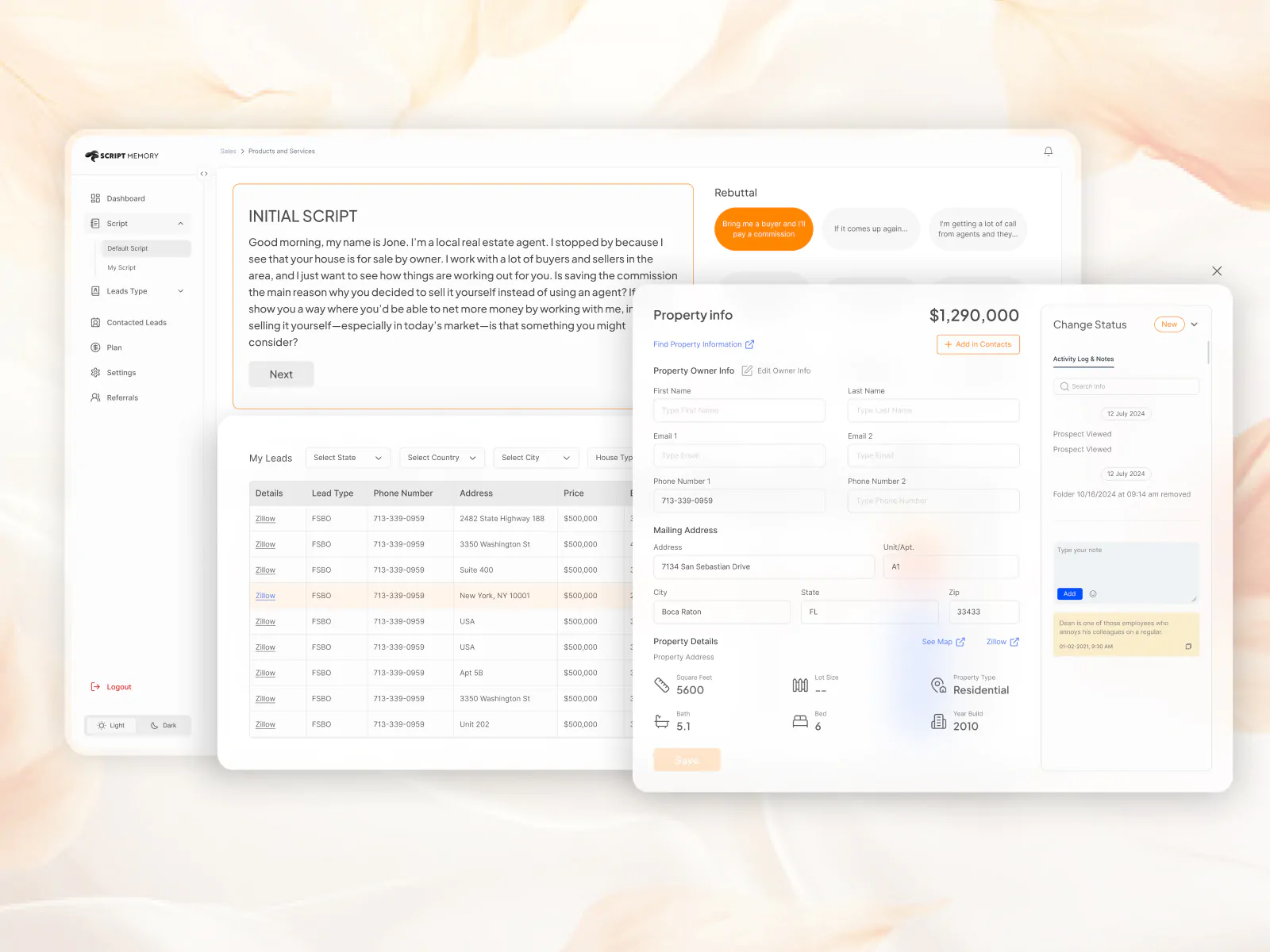
1. Rebuttal Script System
A central place where agents can:
- Access popular rebuttal scripts categorized by use case
- Add and manage their own personalized scripts
- Reposition a “Rebuttal” button on their interface for quick access during calls
2 New Listings by Owner
A curated list of houses listed directly by owners. Agents can use this to:
- Discover fresh leads
- Contact homeowners directly
- Practice and apply their rebuttal scripts in real scenarios
Planned Feature (Version 2.0)
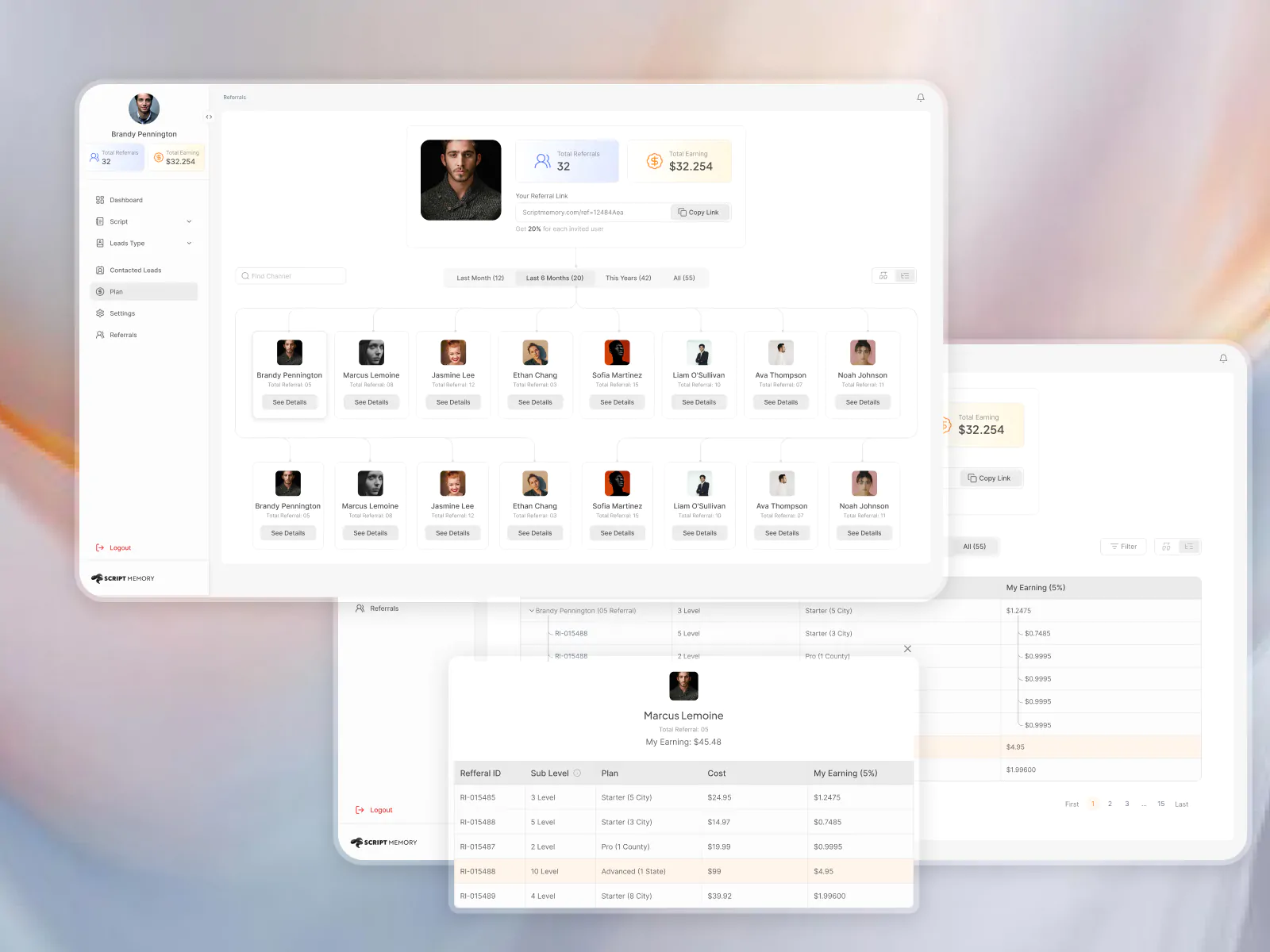
Referral Program
To drive sustainable, organic growth, the platform introduces a referral system that turns users into active promoters.
→ Agents earn 20% commission from direct referrals
→ Earn 5% commission from second-tier referrals
→ Creates a self-sustaining growth loop through network effects
→ Encourages users to share the product within their professional circles
→ Builds a community-driven ecosystem, not just a standalone tool
The Process
There are over 3 million realtors in the U.S., with approximately 400+ new agents joining daily.
According to the National Association of Realtors (NAR):
1. Stakeholder Discovery
Met with stakeholders to align on goals, value propositions, and expectations for MVP and future releases.
2 User Research
As the concept was unique and had no comparable platforms, we focused on user interviews to gather qualitative insights.
Interview Goals
- Understand how new agents currently use scripts
- Learn about their lead generation habits
- Discover pain points in their current manual process
- Identify must-have features in a script management tool
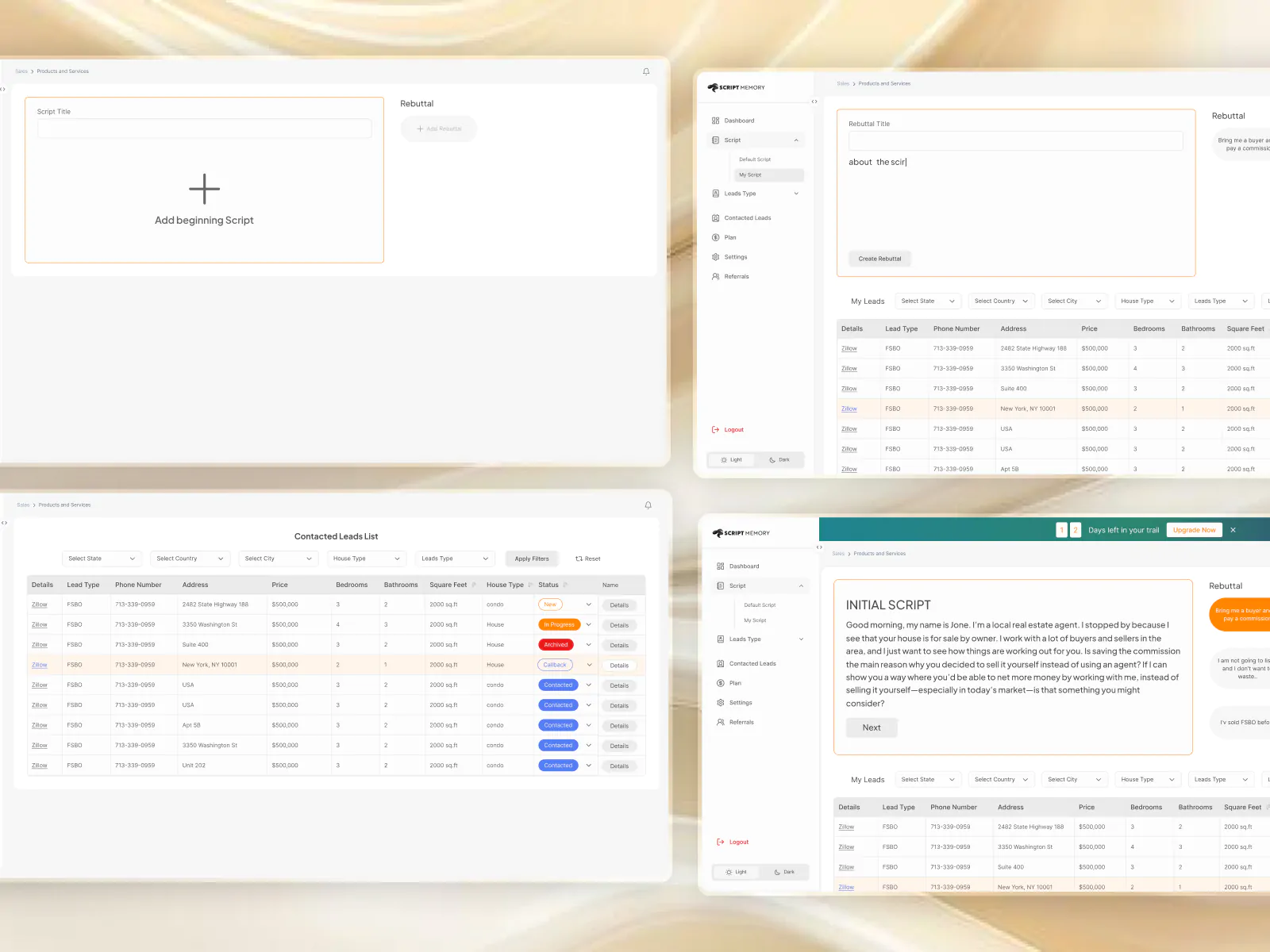
Design Approach
Wireframe Exploration
Created multiple wireframes to test interface structure, flow, and content hierarchy. Key focus was ease of access during conversations and low cognitive load.
Stakeholder Collaboration
Shared early designs with stakeholders to gather feedback. Iterated based on their input and finalized a solution that balanced user needs with business goals.
UI Design
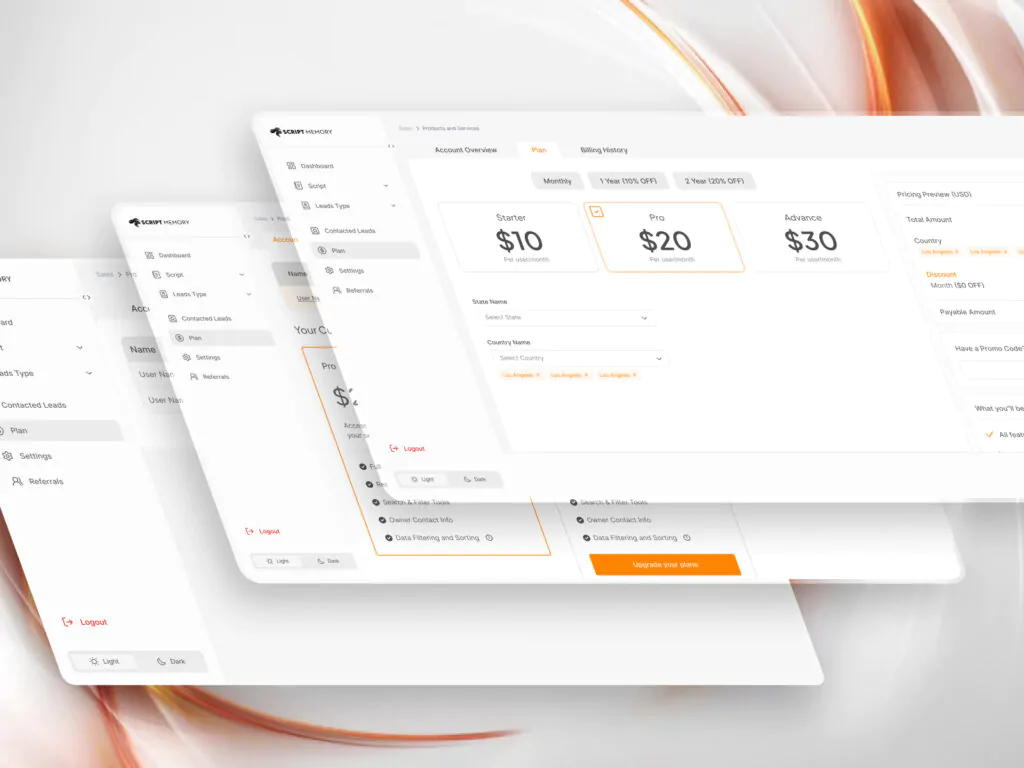
Transitioned from wireframes to high-fidelity UI design after incorporating stakeholder input. Focused on creating a clean, accessible, and intuitive interface that supports quick decision-making and efficient task execution.
My Challenges & Key Learnings
Balancing this side project alongside a full-time job came with its fair share of challenges. However, these hurdles provided valuable lessons in building a truly user-centric product.
1 Improving UX Literacy Within the Team
One of the initial challenges was that the stakeholders lacked a clear understanding of UX principles and user psychology. I had to invest time in explaining how UX contributes to better product outcomes, often using real-world examples and walkthroughs to build shared knowledge.
2 Advocating for Usability Over Pure Functionality
There were moments when I had to push back against the technical team to ensure the product remained usable from the user’s point of view. Developers naturally focused on technical efficiency, but I had to represent the user’s mental model and argue for decisions that prioritized ease of use.
3 Stakeholder Alignment and Communication
Managing expectations and aligning with stakeholders was an ongoing process. I frequently needed to present and justify design decisions, explaining how specific flows or interactions served the user better—even if they were not the most technically convenient or traditionally expected.

Related Portfolios

A UX Research-Driven Design of an AI Accounting Platform
Product Case Study Beebook A UX

The Importance of Visibility of System Status and Microinteractions: A Real-Life Example
Have you ever clicked a button

Why UX-Driven Companies Prefer Rounded Buttons
In late 2023, I took on